P&ID software in 2026: traditional CAD, web diagrams, and specialist tools
What should you use to draw a P&ID today? A factual comparison of the three main approaches—traditional CAD platforms, general web diagramming tools, and specialised P&ID tools such as piblaster—based on usability, bill of materials, cost, and IT effort.
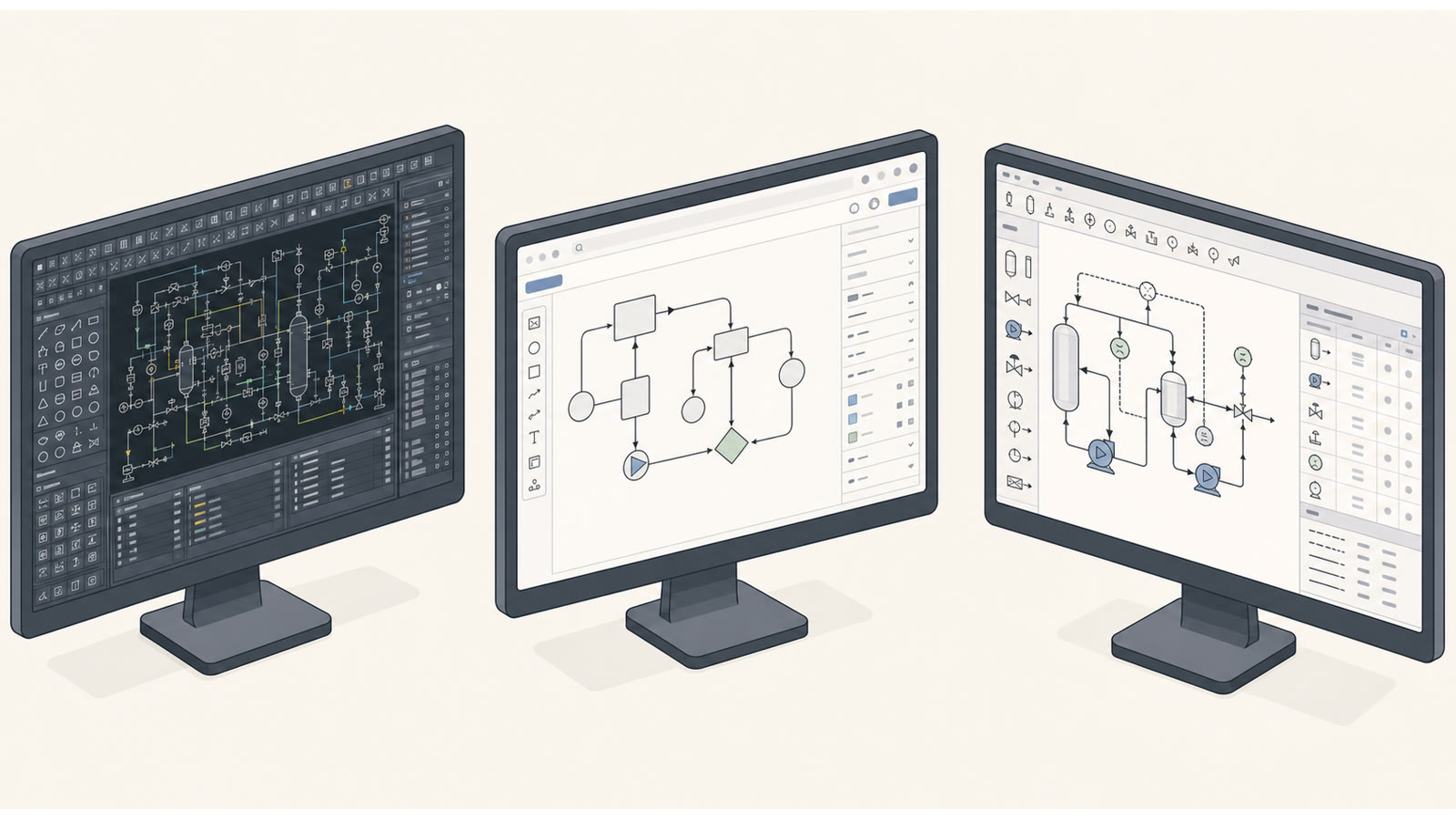
Anyone drawing a P&ID today can choose from three very different approaches. The right one does not depend on marketing, but on three practical questions: How much time can onboarding take? Is a bill of materials actually required? And how many people need to collaborate?
The three approaches at a glance
The solutions commonly used today can broadly be divided into three categories. Each has a valid use case—and a downside.
Traditional CAD platforms
Installed locally, often established on the market for decades, and equipped with extensive functionality. They also cover complex 3D plant layouts and detailed design. The trade-off is acquisition costs per licence in the four- to five-figure range, multi-day training, and regular maintenance and update work by IT. For engineers who create a P&ID only occasionally, this is often economically impractical and difficult to justify from a training perspective.
General browser-based diagramming tools
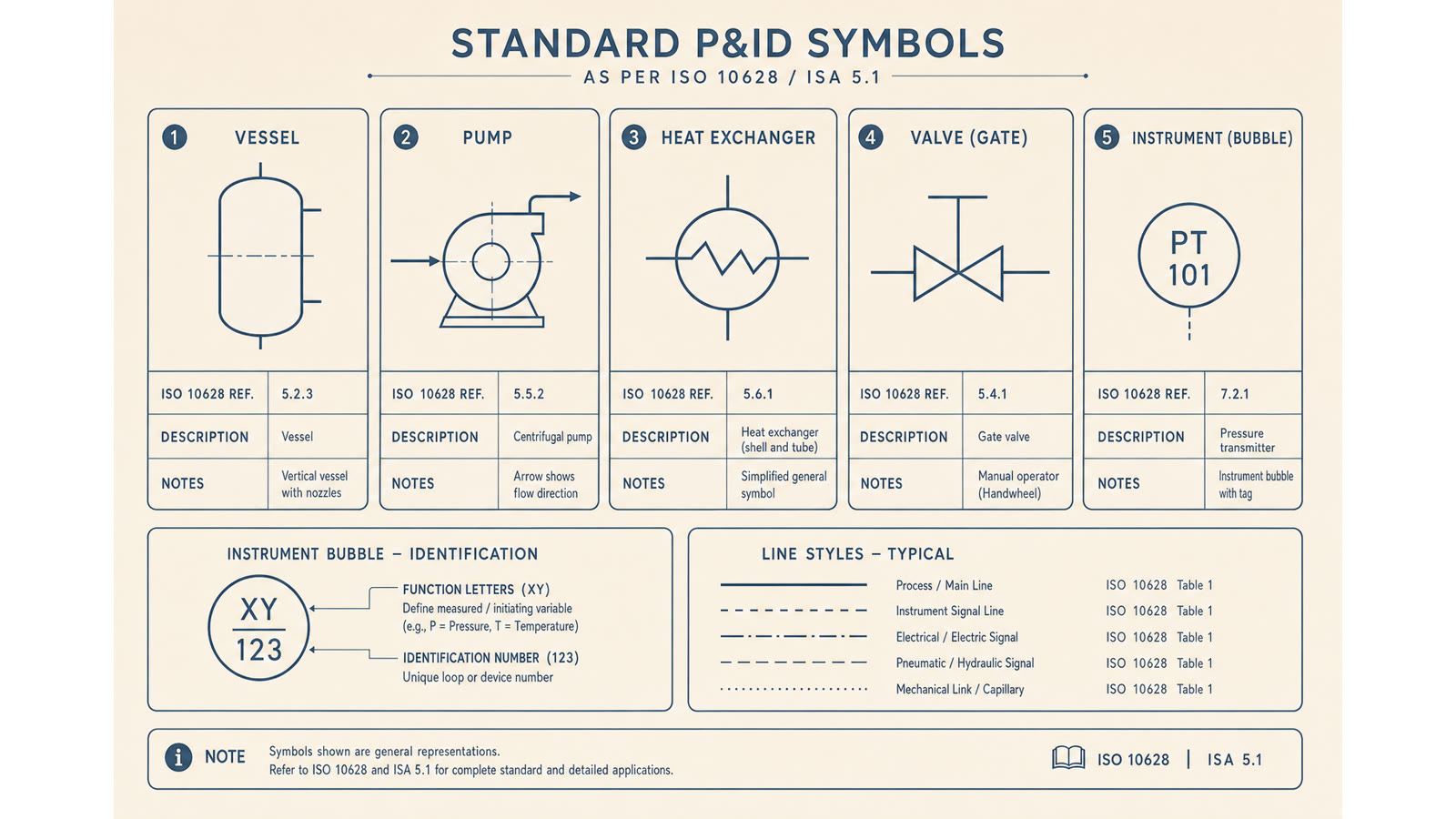
They are quick to access and well suited to flowcharts, organisation charts, or architecture sketches. For P&IDs, however, they lack the essentials: no symbol library based on DIN EN ISO 10628, no process-engineering data structure, and above all no bill of materials derived from the diagram. What you draw is an attractive graphic—not engineering information.
Specialist web tools such as piblaster
They combine the advantages of both worlds: no installer, no licence key, immediately available in the browser, but with domain depth. An ISO-compliant symbol library, automatic tag numbering, one bill-of-materials line per placed symbol, versioning, and team permissions are built in. The scope is deliberately focused on creating, maintaining, and documenting P&IDs—not on doing everything at once.
Direct comparison of the core characteristics
| Classical CAD tools | General browser diagrams | piblaster | |
|---|---|---|---|
| Installation | Several days through IT, licence server, regular updates | None—available immediately in the browser | None—available immediately in the browser |
| Standard-based symbol library | Available, often very extensive | Not available | DIN EN ISO 10628—focused and maintained |
| Bill of materials from the diagram | Available, often with database integration | Not available | Automatic per symbol, exportable |
| Onboarding | Days to weeks; training is common | Minutes—but without technical depth | Hours—technically robust, didactically streamlined |
| Multi-user / versioning | Via a central server, often complex | Basic, without engineering logic | Team permissions and history built in |
| Cost | Four- to five-figure cost per workstation | Low monthly fee—functional scope is not suitable | Transparent monthly fee per seat, 30-day trial |
When is each approach worthwhile?
When is traditional CAD appropriate?
When you regularly deliver complete plant-engineering packages and need 3D layout, piping isometrics, and structural design in one consistent database. It is also suitable when training and licence costs are part of the project budget and IT takes care of maintenance. For a handful of P&IDs per month, it is economically oversized.
When are general web diagrams appropriate?
When the diagram is needed only as a sketch for a presentation and is never intended to form the basis for a bill of materials, procurement, or acceptance documentation. As soon as engineering requirements are added—tag numbers, standard-compliant symbols, bill of materials—these tools reach their limits.
When are specialist web tools appropriate?
When you want to treat a P&ID as an engineering document—with a standard-based symbol library, tag numbering, and a bill of materials—but do not want the installation burden of traditional CAD or the functional gaps of general diagramming tools. This is the niche where piblaster belongs.
You can try piblaster with your next P&ID without IT involvement. Open the browser, create an account, and draw. Export the bill of materials. If you decide not to continue after 30 days, no contract starts.
Conclusion
There is no single winner that is right for every use case. The question is not “which tool is best?”, but “which workflow fits our reality?”. Anyone looking for a lean, fast P&ID tool with a bill of materials, without IT hurdles and without a steep learning curve, will find an answer in specialist web apps such as piblaster that was not possible only a few years ago.